Reviewed by Akil Mohan, Head of RevOps
What is a GTM tech stack?
A GTM tech stack is the set of tools a B2B revenue team uses to find accounts, enrich data, engage buyers, manage pipeline, record customer interactions and automate handoffs between systems.
You can buy one tool to find leads, another to enrich them, another to email them, another for LinkedIn, another for calling, another for meetings, another for CRM, and another just to move data between all of them.
That does not mean you need all of them.
A good GTM stack should cover a few basic jobs well:
Find the right accounts → get the right data → reach buyers → manage conversations → track pipeline → automate the handoffs.
This guide covers the tools we regularly recommend across those jobs, where each one fits, what it costs, and the trade-offs to know before adding it to your stack.
The best GTM tools in 2026 at a glance
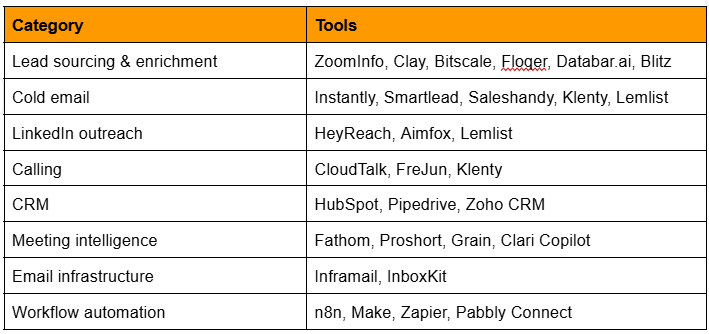
The point is not to pick one tool from every row.
The right stack depends on the size of your team, how much outbound you run, how technical your ops setup is, and where the current bottleneck is.
How do you choose the right GTM tool?
Before buying anything, answer these seven questions:
- What exact job should this tool do?
- What do we use for that job today?
- Does another tool already cover most of it?
- Where will the data live?
- Who will own the tool internally?
- How will we know whether it is working?
- What happens if we remove it six months from now?
One more question is worth asking the vendor:
Show us how this works with our actual stack.
A polished demo using perfect demo data tells you very little about implementation.
How GTM tools should connect?
This is where a lot of stacks fall apart.
Teams buy good tools, but every tool becomes its own island.
A simple outbound architecture could look like this:
ZoomInfo / Blitz
↓
Clay / Bitscale / Databar
↓
Instantly + HeyReach + CloudTalk
↓
HubSpot
↓
Fathom / Proshort
↓
n8n
↓
Reporting, routing and next actions
The important question is not only whether two tools integrate.
It is:
Which system owns the data?
For example:
HubSpot owns the account and deal.
Clay enriches it.
Instantly sends the email.
CloudTalk handles the call.
Fathom captures the meeting.
n8n moves the context between them.
If every tool becomes its own mini-CRM, you end up with five versions of the same customer.
GTM stack by company size.
You do not need the full table above.
For a founder or tiny sales team, a practical stack could be:
CRM: Pipedrive or HubSpot
Data: Floqer, Bitscale or a simple database
Email: Instantly / Smartlead / Saleshandy
LinkedIn: Aimfox if LinkedIn is important
Meetings: Fathom
Automation: Make or Zapier
That covers most early outbound.
Add more when the problem appears.
Not before.
A practical stack for a scaling outbound team
Once you have multiple SDRs and more account volume:
Data: ZoomInfo + Clay/Bitscale
Email: Smartlead or Instantly
LinkedIn: HeyReach
Calling: CloudTalk
CRM: HubSpot
Meetings: Fathom or Proshort
Automation: n8n
At this point the job is less about “finding a tool” and more about keeping the tools connected.
How much does a complete GTM tech stack cost?
There is no single useful number.
But the shape usually looks like this.
Founder / very small team
Roughly $100–$500/month
You can stay relatively lean using a light CRM, one email platform, a modest data tool and simple automation.
Small outbound team
Roughly $500–$2,500/month
Mailbox infrastructure, data enrichment, calling and multiple seats start adding up.
Scaling sales team
Often $2,500–$10,000+/month
The jump normally comes from:
- enterprise CRM seats
- ZoomInfo-type data contracts
- calling
- large mailbox fleets
- enrichment credits
- automation volume
- conversation intelligence
Enterprise GTM stacks can go far beyond this once tools such as ZoomInfo, Clari and broader HubSpot packages are included.
The useful number is not the licence cost.
It is the cost of the whole workflow.
A $39 email tool might still require:
- 50 mailboxes
- domains
- data
- verification
- calling
- CRM
- automation
Price the stack, not the product card.
Which GTM stack do we recommend?
There is no one stack we use for every client.
That would defeat the point.
A high-volume outbound team has different needs from a company selling into 200 strategic enterprise accounts.
A simple way to think about it:
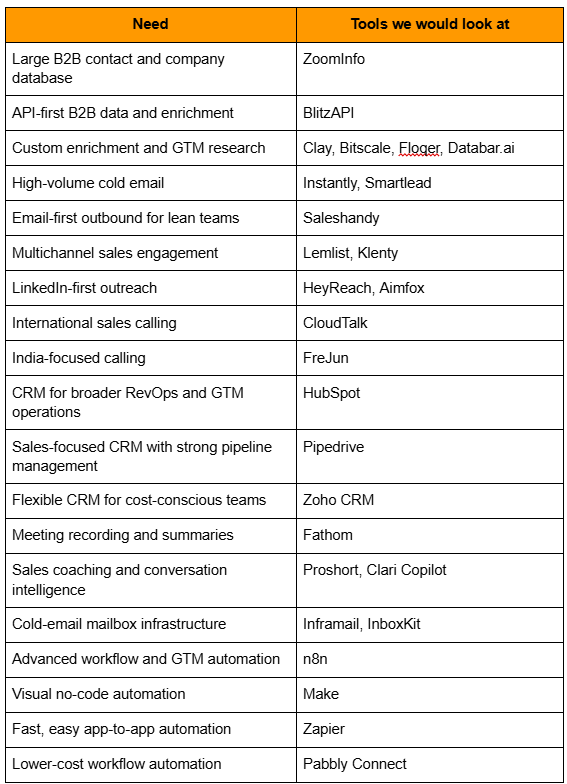
1. Best GTM tools for lead sourcing and data enrichment
This is usually the first layer.
You need companies, contacts, verified emails, phone numbers, firmographics, and sometimes signals such as hiring, funding, tech stack or job changes.
One useful distinction:
A database gives you records.
An enrichment tool improves records you already have.
An orchestration tool combines several data sources and decides what to do with them.
A lot of tools now do more than one.
ZoomInfo
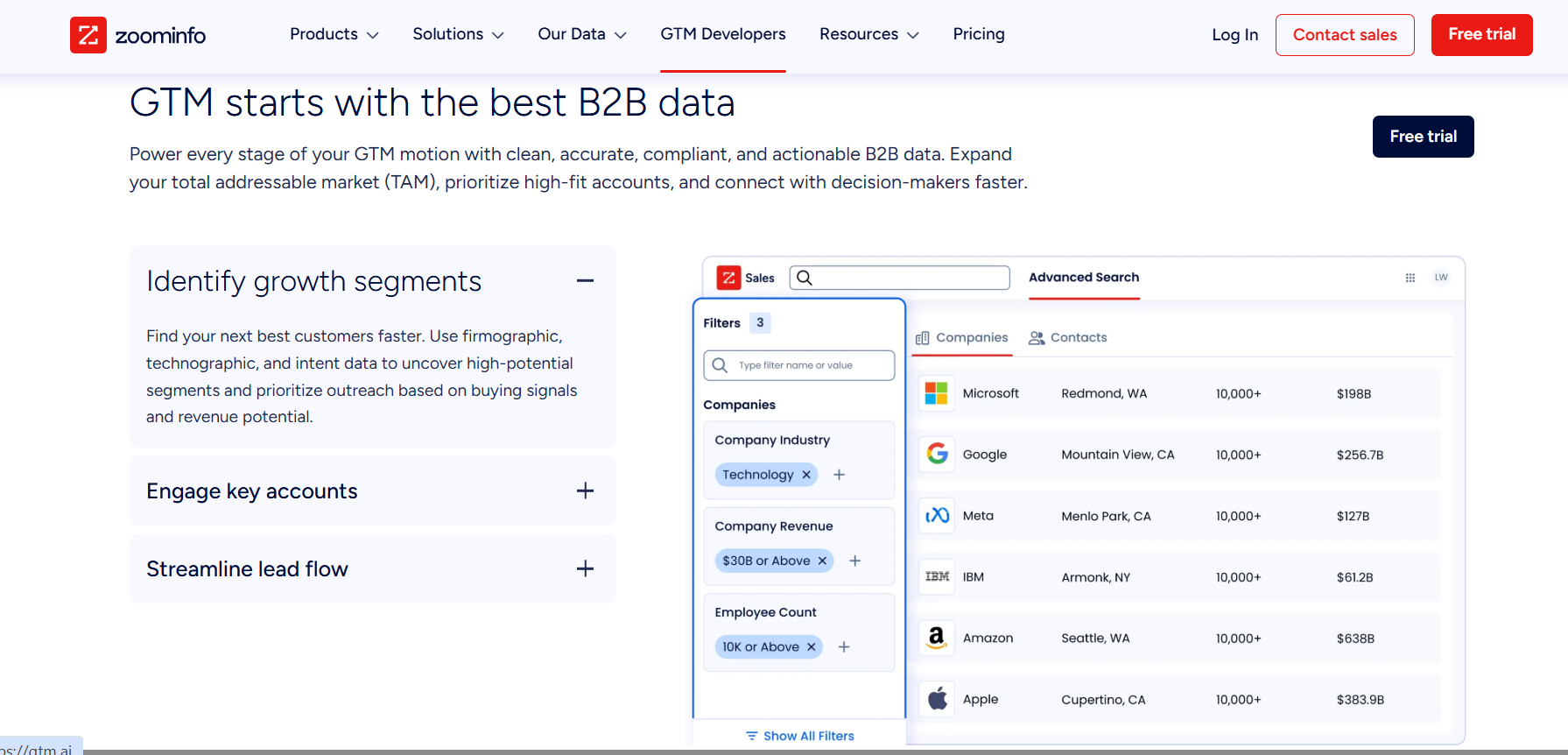
Best for: Mid-market and enterprise teams that want a large B2B database and sales intelligence in one place.
ZoomInfo remains one of the more established options for company and contact data, particularly for larger sales teams.
Pros
- Large B2B contact and company database
- Strong US enterprise coverage
- Direct dials, firmographics and intent products
- Integrates with major CRMs and sales tools
- Useful for larger named-account motions
Cons
- Expensive for small teams
- Pricing is not publicly listed
- Credits, seats and add-ons can increase the contract value quickly
- Usually involves an annual sales contract
Pricing
ZoomInfo does not publish list pricing. Public 2026 buying data puts entry SalesOS contracts at roughly $15,000/year, with mid-market contracts commonly landing higher once seats, credits and additional modules are included.
G2 rating
4.5/5 for ZoomInfo Sales.
Our take
ZoomInfo makes more sense when your team will use enough of the database to justify an enterprise contract.
For a two-person outbound team, it is probably overkill.
For a 30-person sales team working a defined enterprise market, the economics can look very different.
Clay
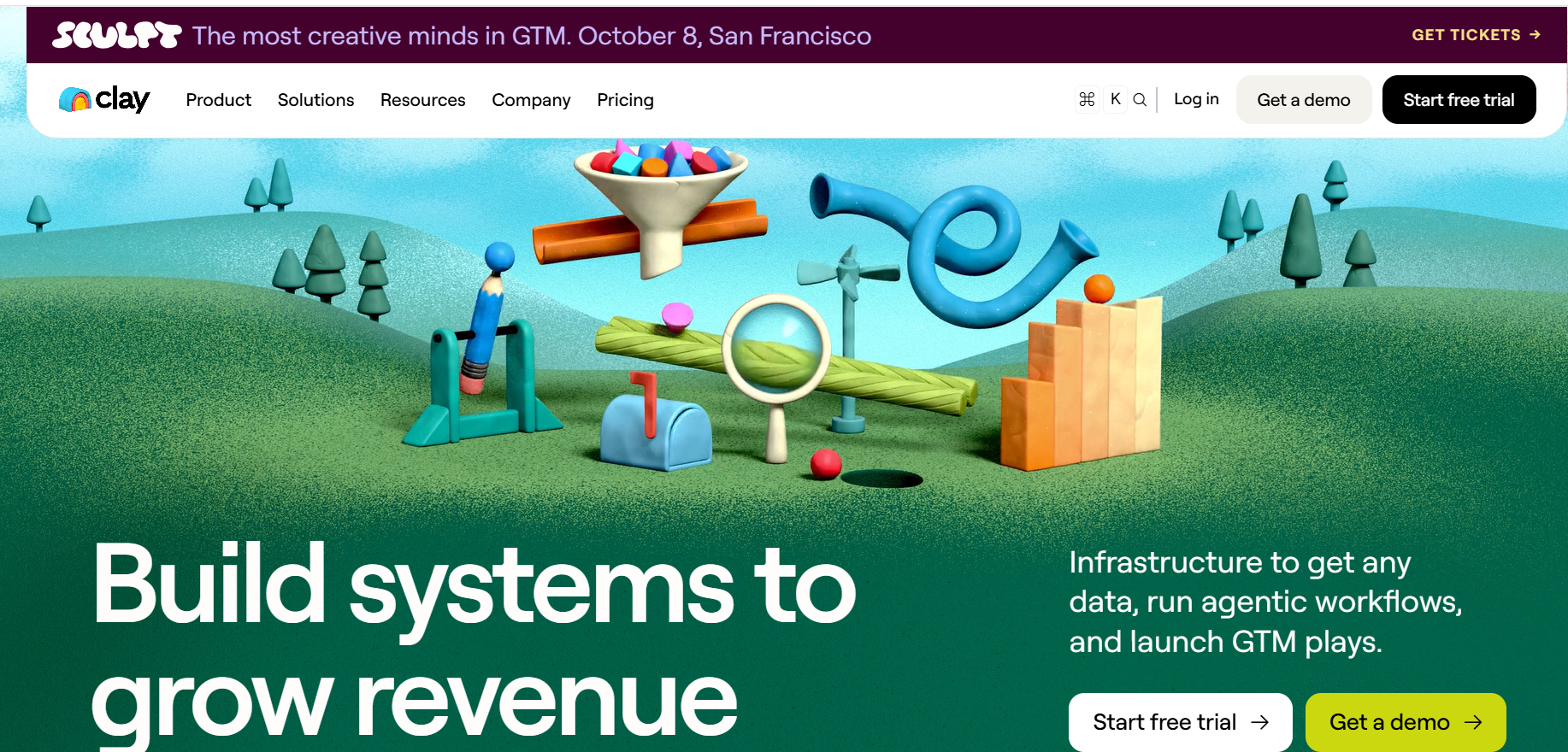
Best for: GTM teams that want to combine several data sources, research accounts and build custom enrichment workflows.
Clay is less of a normal database and more of a GTM workbench.
You can start with a list, enrich it through multiple providers, run AI research, create conditions and push the output into another system.
Pros
- Very flexible
- Large provider marketplace
- Waterfall enrichment across multiple sources
- Strong AI research capabilities
- Good template and community ecosystem
- Useful for unusual or highly specific data requirements
Cons
- Takes time to learn
- Credits and Actions need to be monitored
- Complex workflows can get expensive
- Someone usually needs to own the workspace properly
Pricing
As of September 2026:
- Free: $0
- Launch: from $167/month annually
- Growth: from $446/month annually
- Enterprise: custom
Clay now meters both Data Credits and workflow Actions.
G2 rating
Around 4.8/5.
Our take
Clay becomes especially useful when you are trying to combine signals, research and enrichment into one workflow.
The downside is that a powerful tool still needs someone who knows what they are building.
Bitscale
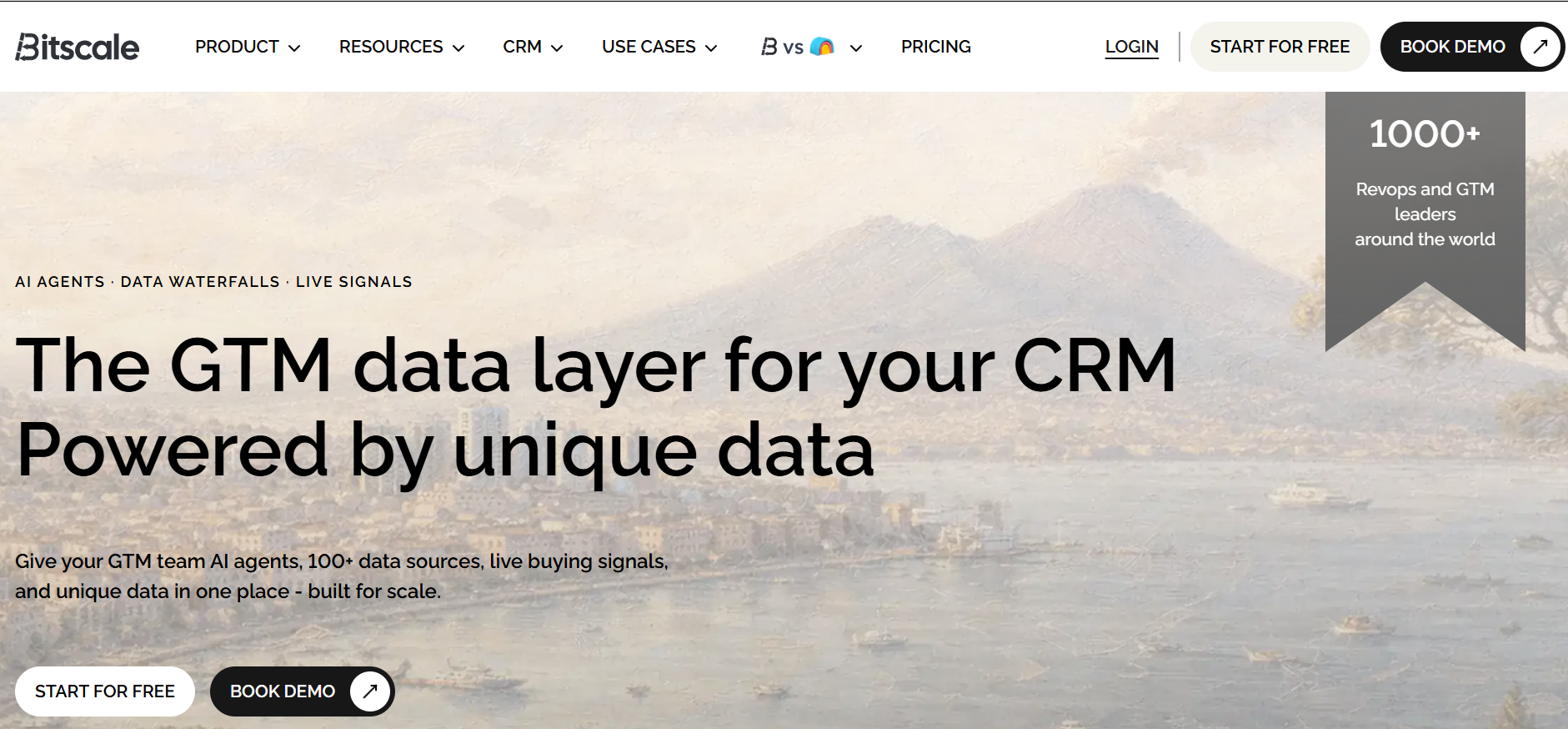
Best for: Teams that want spreadsheet-style prospecting, enrichment and workflow building.
Bitscale sits in a similar part of the stack to Clay: data sources, enrichment and automation inside a grid.
Pros
- Familiar spreadsheet-style interface
- Large number of data sources
- Supports enrichment and intent workflows
- HubSpot and Salesforce integrations on paid tiers
- Useful for bulk list research
Cons
- Credit model needs monitoring
- Higher tiers become a meaningful software cost
- May overlap with other data orchestration tools already in your stack
Pricing
G2 lists:
- Free: $0
- Growth: $349/month
- Booster: $799/month
G2 rating
4.7/5.
Our take
Worth comparing with Clay if the main job is building and enriching prospect lists rather than running a much broader GTM engineering setup.
Floqer
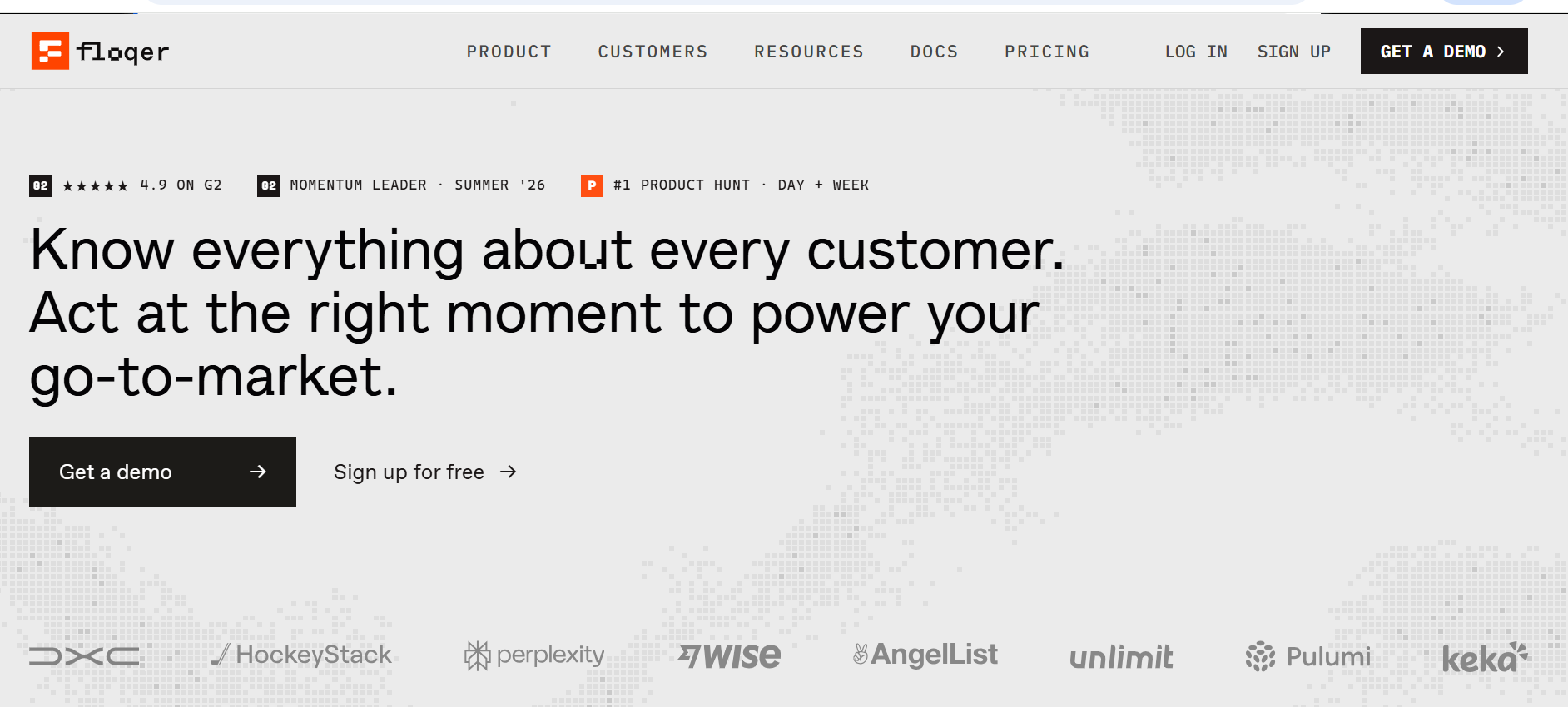
Best for: GTM teams that want data enrichment, signals and account context in the same system.
Floqer combines enrichment workflows with account intelligence and signals.
Pros
- 100+ data sources
- Workflow and enrichment capabilities
- Signal tracking
- Unlimited seats on published plans
- Lower entry point than some larger GTM orchestration platforms
Cons
- Newer than some of the established players
- Smaller ecosystem
- Fewer niche providers than Clay
- Less third-party review depth than older tools
Pricing
Floqer publishes:
- Free tier
- Paid plans from $49/month
- Up to $999/month
- Enterprise: custom
G2 rating
Floqer reports 4.9/5 on G2.
Our take
Interesting option if you want enrichment plus account context without immediately moving into a more expensive Clay setup.
Databar.ai
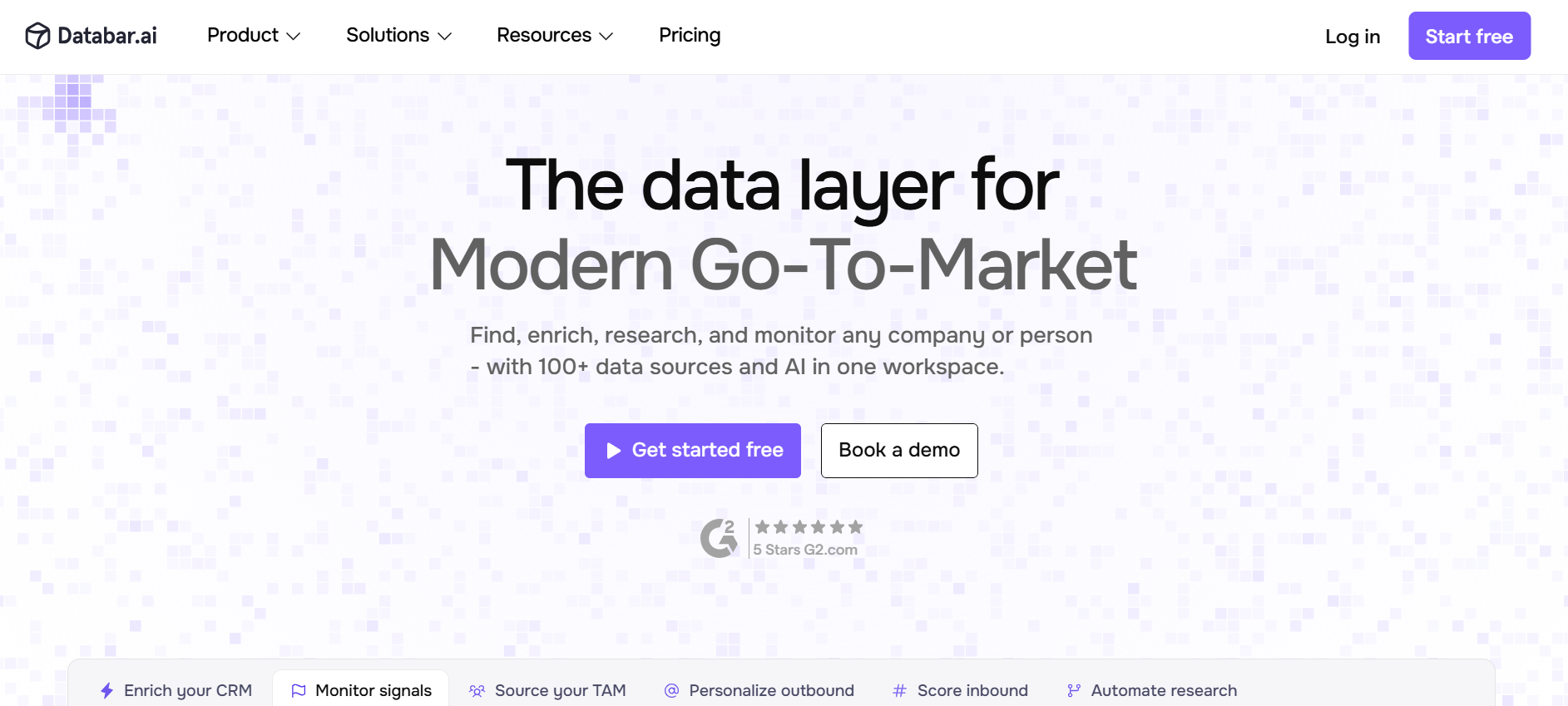
Best for: Teams that want to combine many data providers through no-code workflows or APIs.
Databar works as a data aggregation and enrichment layer rather than a single proprietary database.
Pros
- Access to many data providers
- Waterfall enrichment
- No-code workflow builder
- API/SDK options
- Useful when no single source gives enough coverage
Cons
- More useful to ops/GTM engineering teams than a normal SDR
- Cost depends heavily on usage
- Smaller ecosystem than Clay
- Public pricing is less straightforward than simple seat-based software
Pricing
Databar uses usage/outcome-based pricing and offers a 14-day trial. Public materials describe pricing around successful returned data rather than a simple flat per-seat model.
Our take
Less useful if all you need is a simple prospect list once a month.
BlitzAPI
Best for: RevOps, GTM engineering and outbound teams that want high-volume B2B data through an API.
BlitzAPI is more infrastructure than a traditional prospecting tool.
It gives teams access to company, people, jobs and enrichment data through APIs, so it fits well when you want to plug data directly into Clay, n8n, Make, Zapier, HubSpot or your own workflows. The platform supports company and people search, decision-maker lookup, email enrichment, identity resolution and hiring signals.
Pros
- API-first, so it fits custom GTM workflows well
- Company, people and job data in one layer
- Useful for large TAM builds and enrichment jobs
- Supports decision-maker search and verified work-email enrichment
- Works well with tools such as Clay, n8n, Make, Zapier and HubSpot
- Paid plans use an unlimited-data model rather than charging for every individual enrichment request
Cons
- Better suited to RevOps or technical GTM teams than a rep who wants a simple UI
- Not a sequencer, CRM or full sales-engagement platform
- You need to build the workflow around the API
- Smaller ecosystem and review footprint than ZoomInfo or Clay
Pricing
BlitzAPI currently uses a credit-based trial, while paid plans move to an unlimited-data model subject to fair-use limits. Independent 2026 pricing research puts paid plans roughly in the $399–$599/month range. The exact plan should be checked on BlitzAPI before publishing because the vendor is currently running different access and rate-limit offers.
Our take
BlitzAPI is worth looking at when data needs to sit inside the workflow, rather than inside another sales database.
For example:
BlitzAPI → n8n → enrichment/qualification → HubSpot → outbound tool
2. Best cold email tools.
Cold email platforms mainly handle:
- sequences
- sending accounts
- inbox rotation
- replies
- deliverability controls
- campaign reporting
The main question is whether you need pure email scale or a wider sales-engagement platform.
Instantly
Best for: Teams running cold email across many sending inboxes.
Pros
- Unlimited sending accounts on major plans
- Easy to get started
- Built around high-volume outbound
- Warm-up and deliverability tooling
- Large user base and community
Cons
- Primarily email-first
- You'll usually need separate LinkedIn and calling tools
- Costs rise with active lead volume
- High-volume capability does not fix bad targeting
Pricing
Current published plans include:
- Growth: $47/month
- Hypergrowth: $97/month
- Light Speed: $358/month
- Enterprise: custom
Annual billing brings the monthly equivalent down.
G2 rating
Around 4.8/5, with thousands of reviews.
Our take
A good fit when email is a major outbound channel and you want to spread sends across a larger mailbox setup.
Smartlead
Best for: Agencies and outbound teams managing many sending accounts.
Pros
- Unlimited mailboxes on paid plans
- Master inbox
- Strong agency use case
- API and webhook support on higher tiers
- Built for sending at scale
Cons
- Email-first rather than true multichannel
- Interface is more functional than polished
- You still need a separate data source
- Infrastructure costs sit outside the software subscription
Pricing
Published 2026 pricing starts at:
- Basic: $39/month
- Pro: $94/month
- Higher-volume plans from roughly $174/month
G2 rating
Around 4.7–4.8/5.
Our take
We would look at Smartlead when mailbox scale solid and campaign infrastructure matter more than having every sales channel inside one tool.
Saleshandy
Best for: Smaller teams and agencies that want straightforward cold-email campaigns.
Pros
- Lower entry price
- Multiple email accounts
- Lead finder and verification options
- Agency-friendly higher tiers
- Easy enough to operate without a heavy RevOps setup
Cons
- Starter plan has meaningful usage limits
- Some integrations sit on higher plans
- Mainly email-focused
- Data and verification credits can add to the cost
Pricing
2026 pricing starts around:
- Starter: $25/month annually
- Pro: $69/month
- Scale: $139/month
- Scale Plus: $199/month
Our take
Good option when you want a simple email-first system without immediately buying into a larger sales-engagement suite.
Klenty
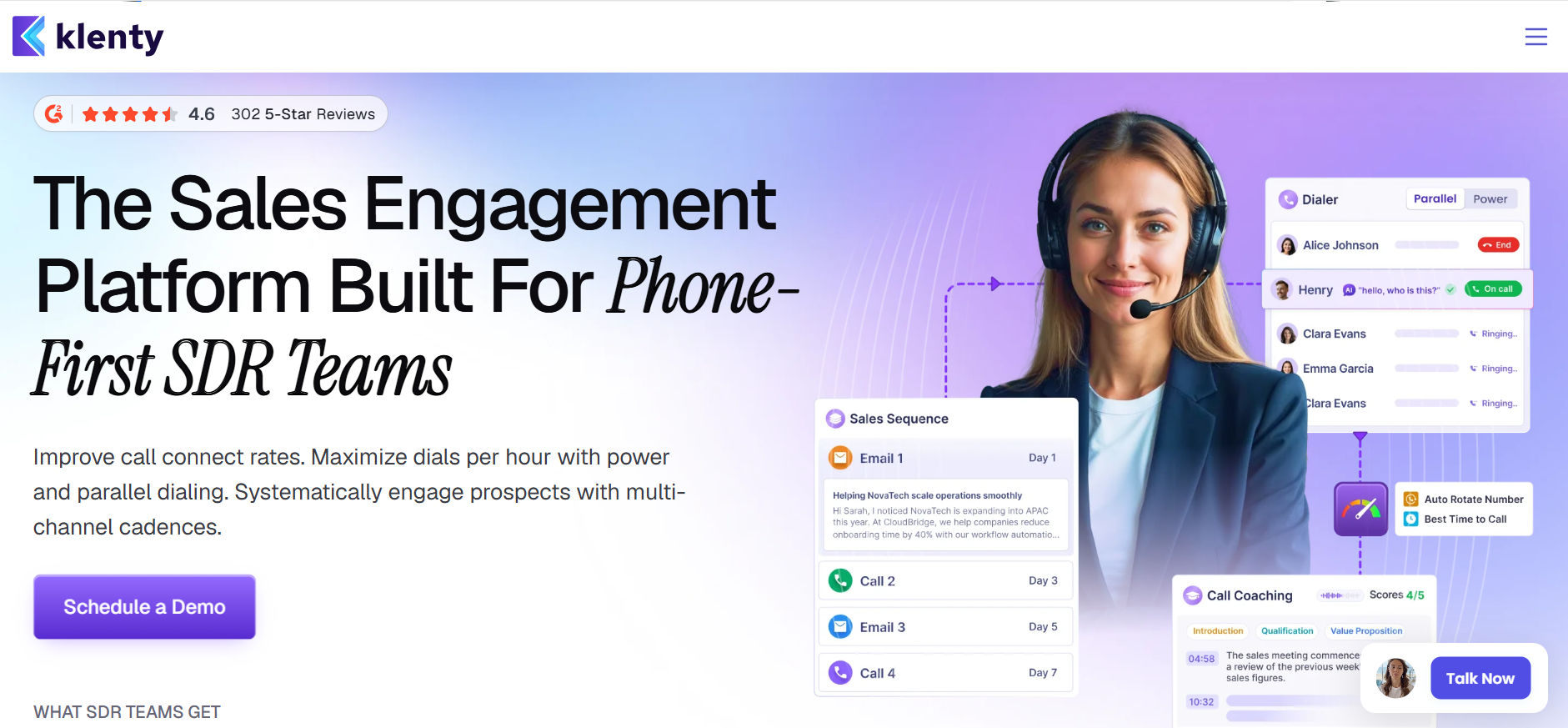
Best for: Sales teams that want sequences plus calling and rep workflow in a more traditional sales-engagement setup.
Pros
- Combines multiple outbound activities
- Useful cadence management
- Built for SDR teams rather than only bulk senders
- CRM integration
- Calling capability alongside sequences
Cons
- More expensive than simple email tools
- Purchasing terms can be less flexible
- May be too much for a solo founder
- Some capabilities overlap with your CRM/dialer
Pricing
Public 2026 research puts the Starter level around $50/month equivalent on annual billing, with quarterly purchasing also available. Higher plans require current vendor confirmation.
Our take
Klenty makes more sense when a rep is actively working cadences across channels, rather than when the requirement is simply high-volume cold email.
Lemlist
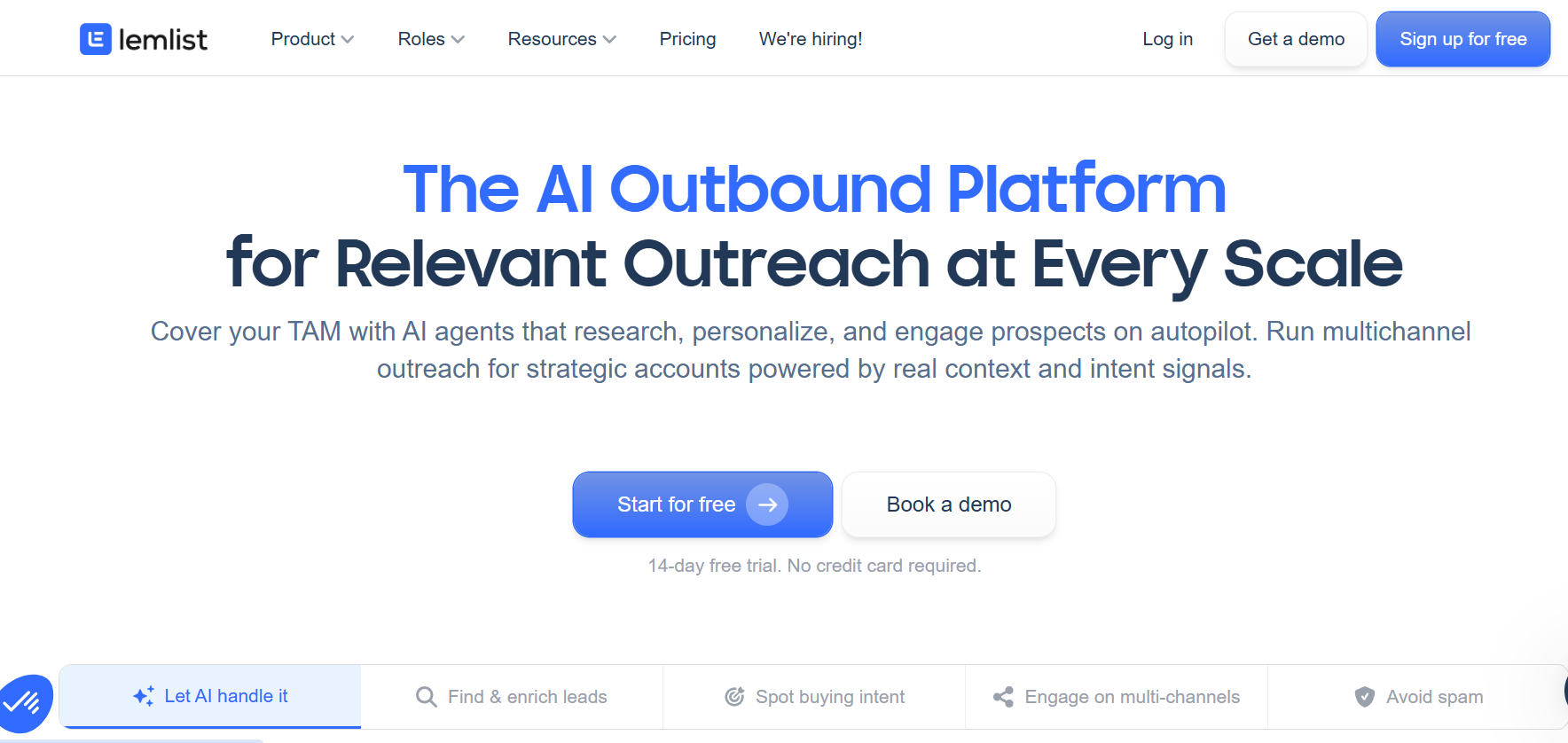
Best for: Teams that want email, LinkedIn and creative personalization in one outreach platform.
Pros
- Email + LinkedIn sequences
- Strong personalization options
- Images and video personalization
- Built-in prospecting features
- Useful for smaller multichannel teams
Cons
- More expensive than pure cold-email tools
- You may pay for features you do not use
- Dedicated LinkedIn tools can give more control for LinkedIn-first motions
Pricing
2026 pricing varies by billing term, with self-serve plans starting around the $30–$60/user/month range and Multichannel around $90–$100+/user/month depending on billing.
G2 rating
Around 4.6/5.
Our take
Useful when you want fewer tools and care more about targeted multichannel campaigns than pure sending volume.
If your challenge isn’t choosing another outreach tool but getting the whole motion to work together, our Outbound OS breaks down the research, sequencing, messaging and handoff system behind repeatable outbound.
3. Best LinkedIn automation tools for B2B sales
LinkedIn tools need a bit more caution than email tools.
They automate activity on a platform you do not own.
So we look at account controls, team management and conversation handling, not just how many actions a tool can automate.
HeyReach
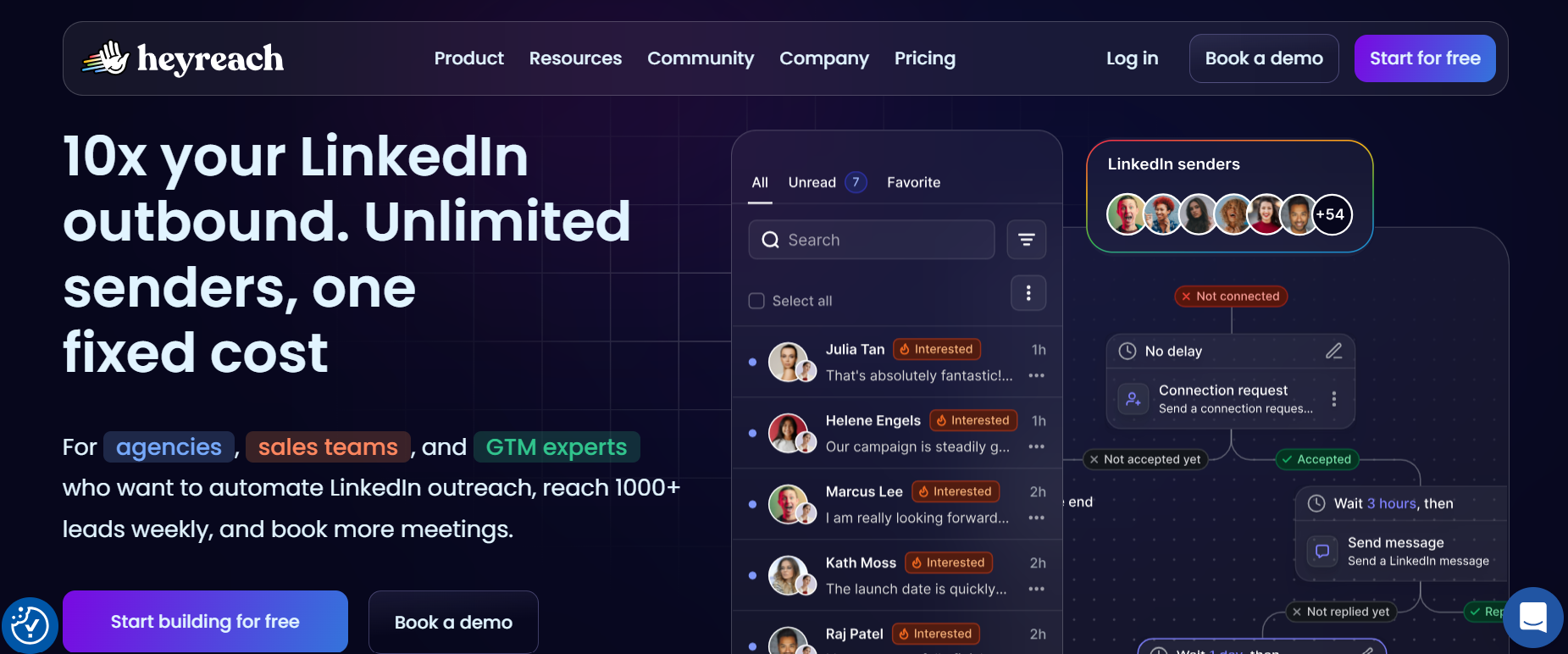
Best for: Agencies or teams operating multiple LinkedIn sender accounts.
Pros
- Strong multi-account rotation
- Central inbox
- Agency-friendly
- Good for managing several LinkedIn profiles
- Clear focus on LinkedIn
Cons
- LinkedIn only
- No native email or calling layer
- Requires separate lead data
- Adds another dashboard to the stack
Pricing
2026 published pricing starts around $79 per sender/month, with agency plans available for larger account volumes.
G2 rating
4.7/5.
Our take
HeyReach makes most sense when LinkedIn is important enough to deserve its own dedicated system.
Aimfox
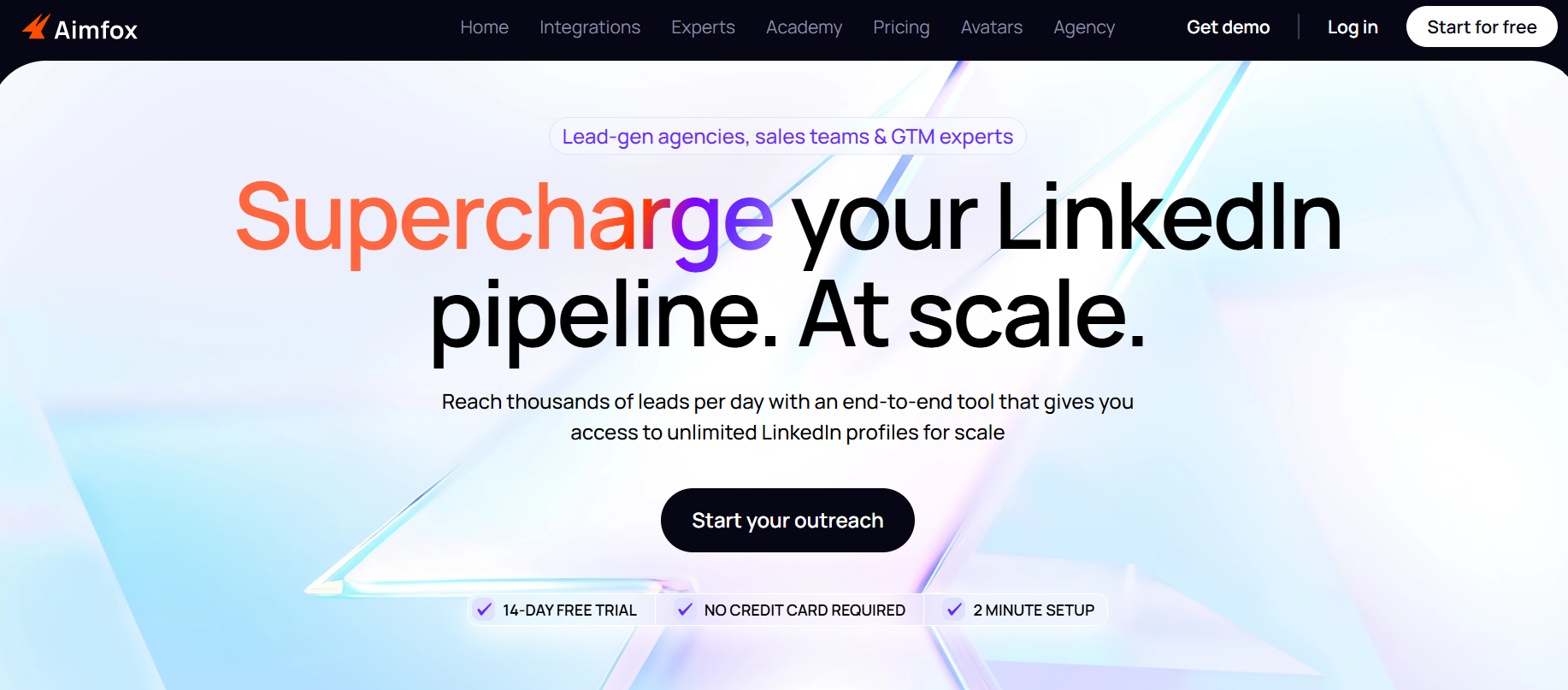
Best for: Teams running several LinkedIn accounts and wanting replies in one place.
Pros
- Cloud-based
- Shared LinkedIn inbox
- Multi-account management
- Sales Navigator support
- Useful for agencies and small outbound teams
Cons
- LinkedIn only
- Another tool is still required for email
- Smaller review base than some older products
- Pricing is per connected account
Pricing
Public 2026 pricing shows approximately:
- Solo: $47/month
- Business: $97/month for three accounts
- Agency: custom
G2 rating
Around 4.6–4.7/5, though the review count is much smaller than major sales platforms.
Our take
The shared inbox becomes more useful as soon as multiple people or multiple LinkedIn profiles are involved.
Lemlist for LinkedIn
Lemlist belongs here as well because its multichannel plans combine email and LinkedIn.
Choose it over a dedicated LinkedIn platform when keeping both channels in one sequence matters more than having the deepest LinkedIn-specific controls.
For teams that do not want to stitch this together internally, we also run the full outbound motion through our Outbound OS.
4. Best CRMs: HubSpot vs Pipedrive vs Zoho
The CRM should be the place your revenue team trusts.
Not necessarily the place where every task happens.
That distinction matters.
HubSpot Sales Hub
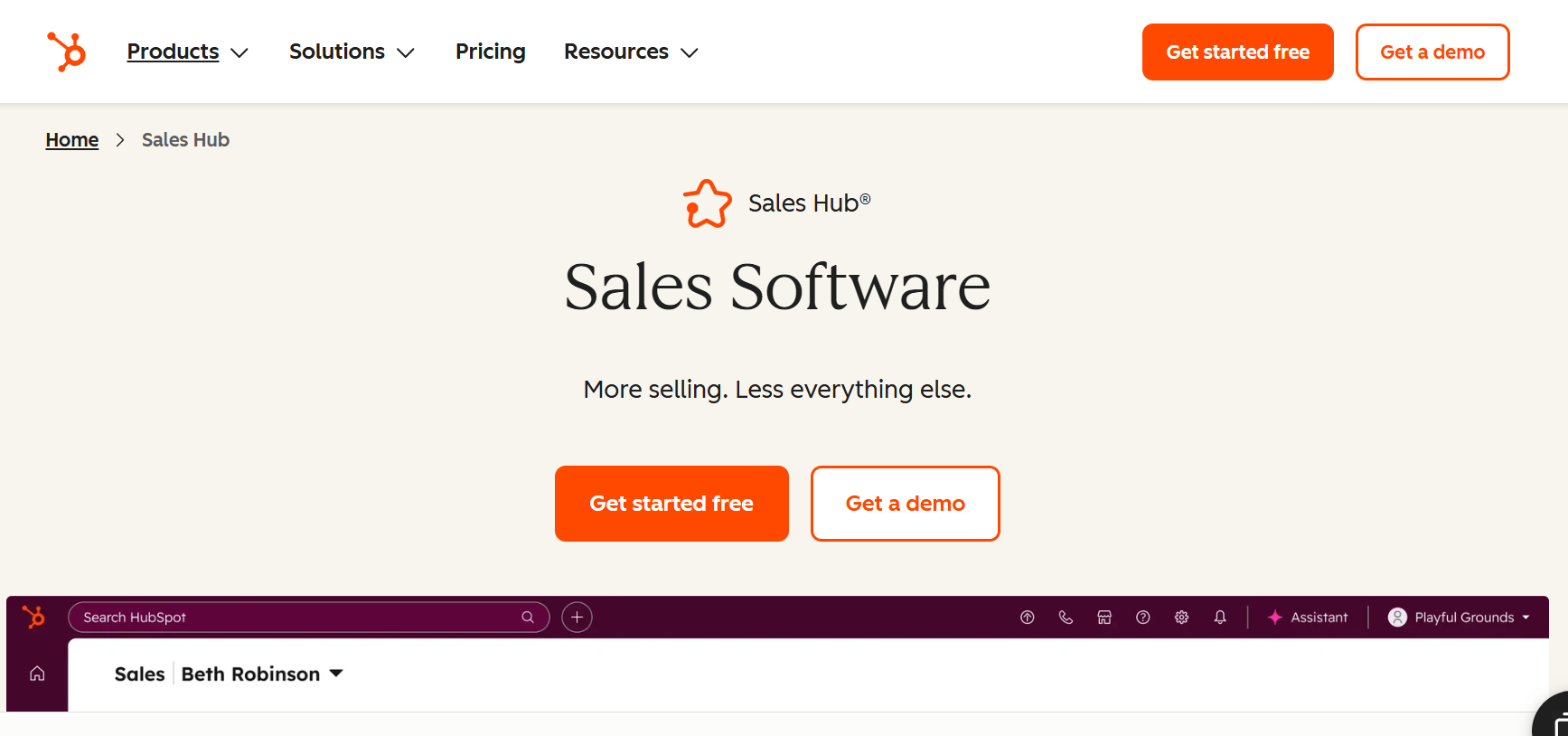
Best for: Teams that want CRM, marketing, sales and service data connected.
Pros
- Easy for sales teams to adopt
- Strong CRM foundation
- Large integration ecosystem
- Good marketing and sales connection
- Workflows, reporting and automation on higher tiers
Cons
- Price rises quickly once you need Professional features
- Complex setups still need proper CRM architecture
- Easy to overbuild with fields and workflows
- Costs spread across multiple Hubs if your requirements expand
Pricing
2026 pricing starts with free CRM tools. Sales Hub paid tiers start around $15–$20/user/month, while Professional and Enterprise are substantially higher.
G2 rating
4.4/5, based on a very large review base.
Our take
HubSpot is a good choice when the CRM needs to connect much more than the sales pipeline.
It also gives you more room to build a proper RevOps system around it.
If HubSpot is already at the centre of your stack, the bigger job is usually getting the CRM, workflows and reporting set up properly around it.
Pipedrive
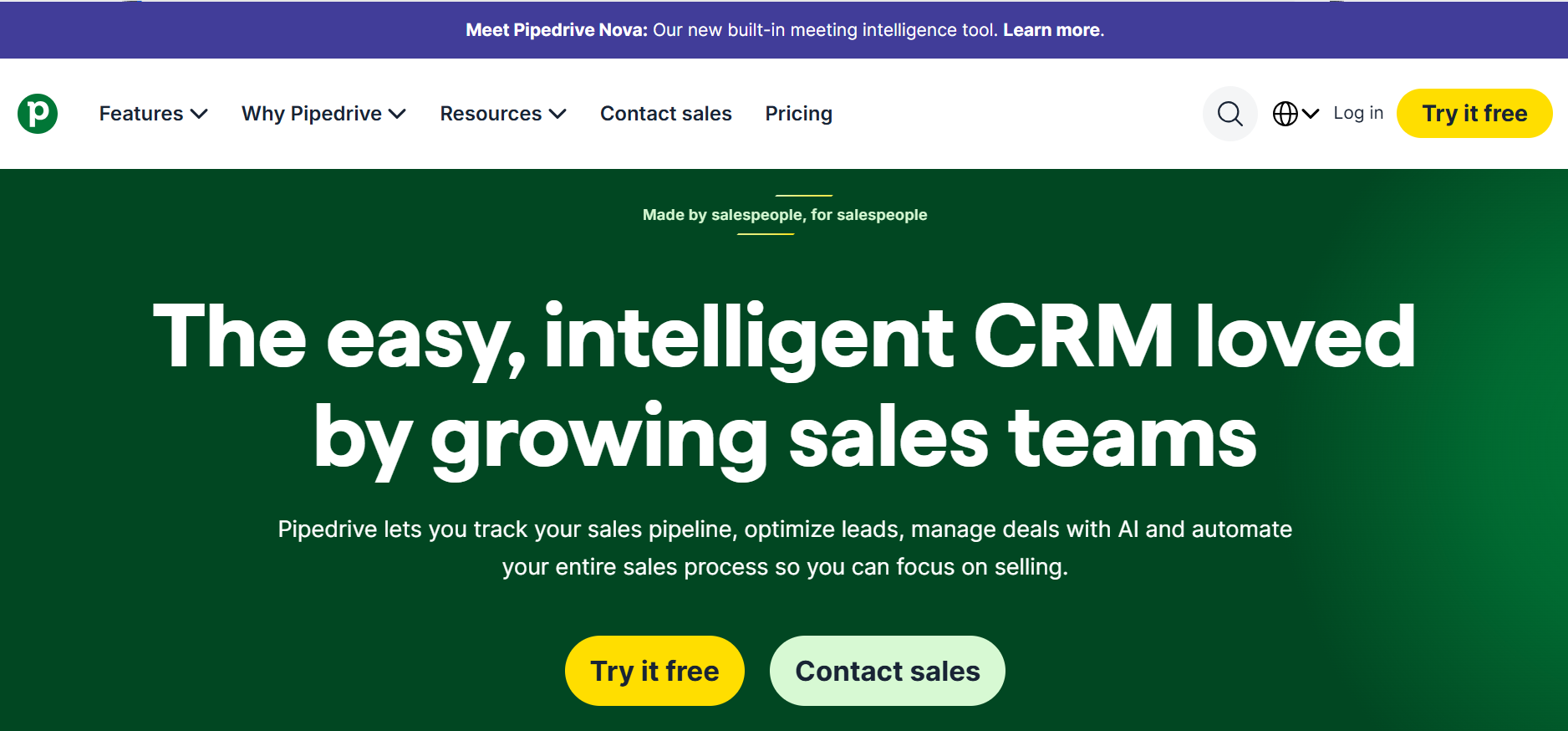
Best for: Small and mid-sized sales teams that mainly want clear pipeline management.
Pros
- Very simple pipeline view
- Quick to implement
- Lower entry price
- Sales-first product
- Good fit for small teams
Cons
- Less broad than HubSpot
- Advanced RevOps use cases can require more add-ons/integrations
- Marketing capabilities are lighter
- Larger companies may eventually want more customization
Pricing
Plans start around $14.90/user/month annually, with higher tiers going to roughly $65+ before Enterprise.
G2 rating
Around 4.2–4.3/5.
Our take
If you mainly need deals, activities and pipeline visibility without a big CRM project, Pipedrive is hard to ignore.
Zoho CRM
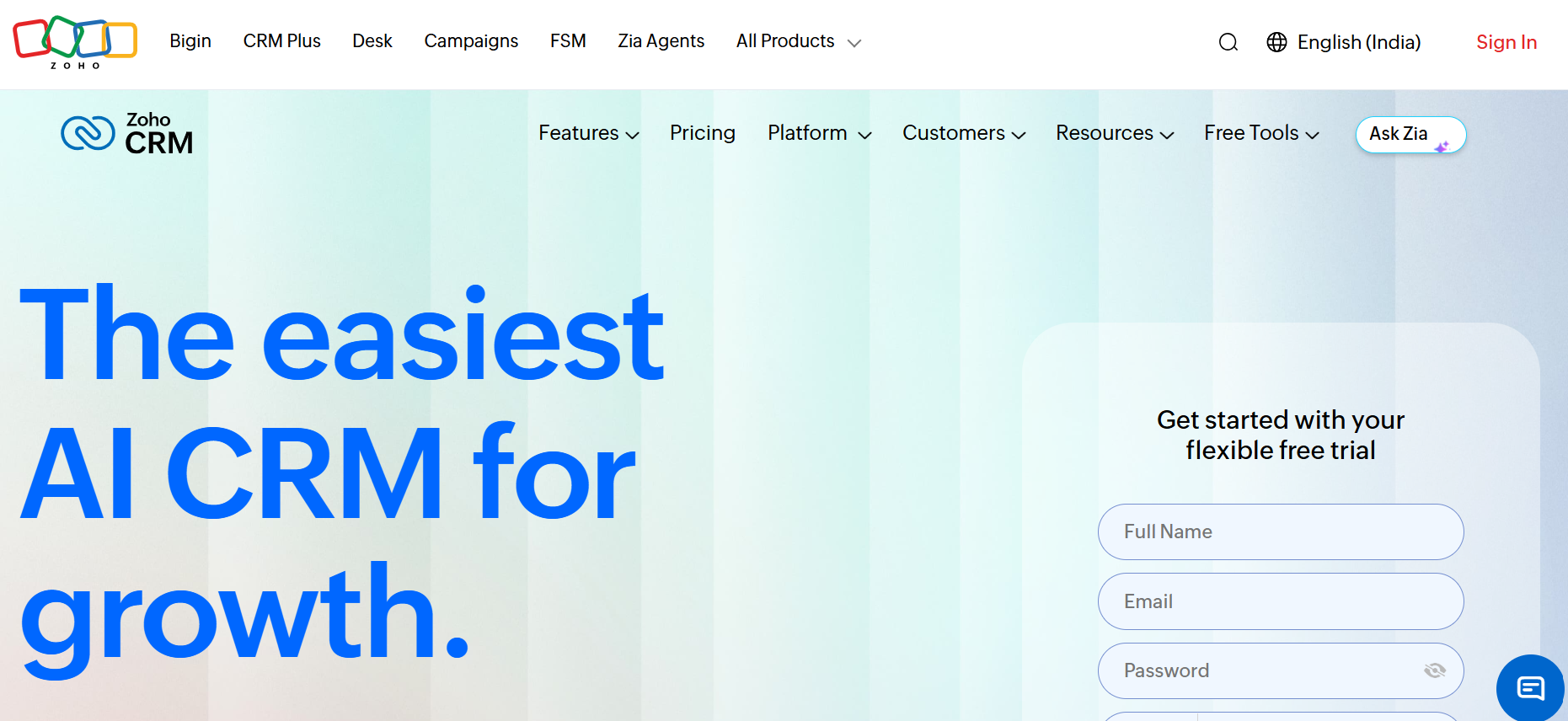
Best for: Cost-conscious teams that still want a fairly broad CRM.
Pros
- Affordable
- Good feature depth for the price
- Automation and customization
- Works well if the wider Zoho ecosystem is already in use
- Free/low-cost starting options
Cons
- Interface can take longer to learn
- Setup can feel less intuitive than Pipedrive or HubSpot
- More configuration is often required
- User experience gets mixed feedback
Pricing
Zoho has free and paid plans, with paid pricing starting from roughly ₹800/user/month in India depending on plan and billing.
G2 rating
Around 4.1/5.
Our take
Zoho is worth looking at when budget matters and you still need more than a bare-bones pipeline tool.
If duplicate records, inconsistent stages or unreliable reporting are already becoming a problem, here's a look at how we approach CRM cleanup and governance.
5. Best calling tools
A calling platform matters for more than dialing numbers.
We look at:
- local numbers
- international coverage
- recording
- CRM logging
- dialers
- analytics
- call quality
CloudTalk
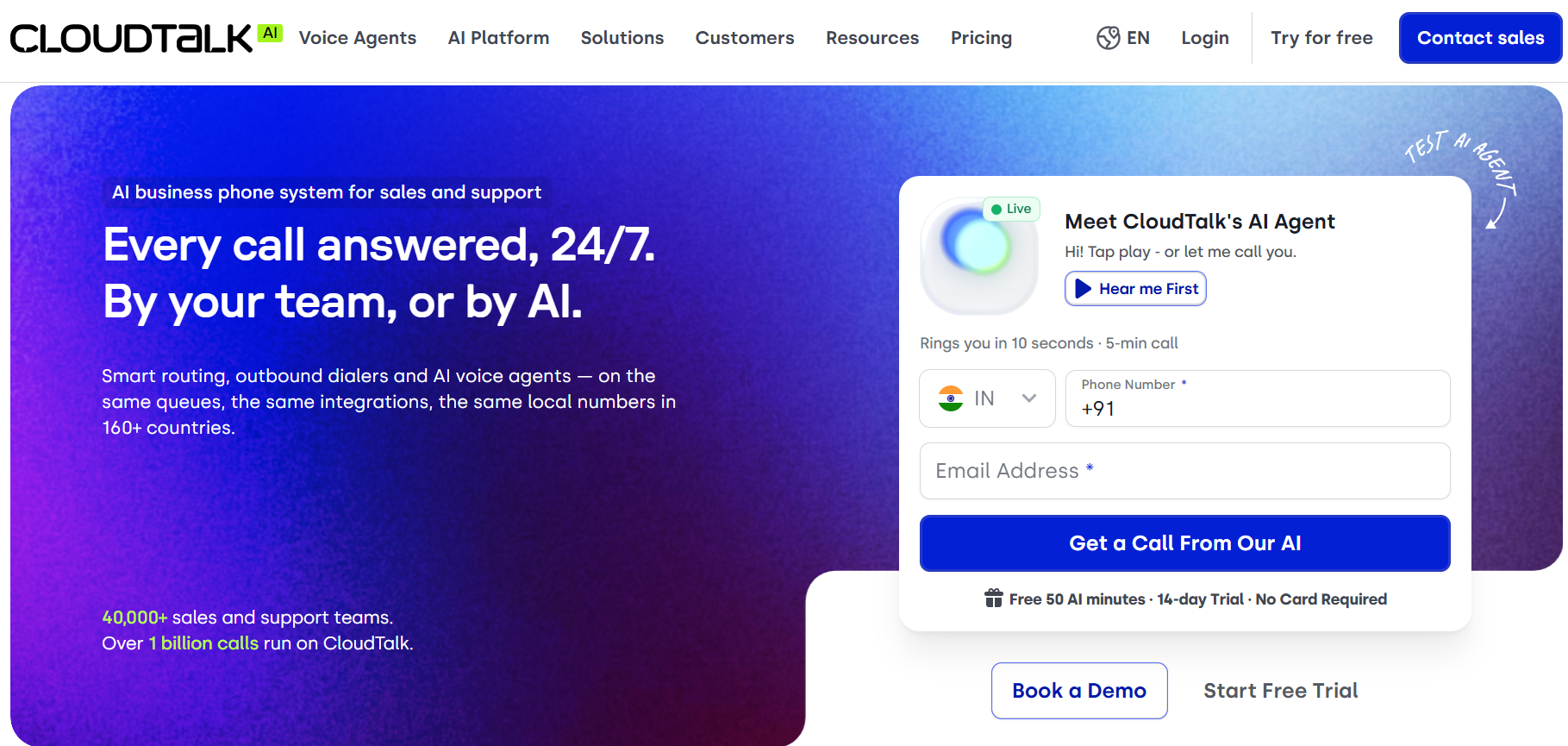
Best for: Outbound teams calling across countries and needing CRM integration.
Pros
- International calling footprint
- CRM integrations
- Call recording
- Power/parallel dialer options
- Useful sales analytics
Cons
- Advanced dialer features can add cost
- Per-user pricing adds up with large teams
- AI is an add-on
- More product than very small teams need
Pricing
- Starter: $25/user/month annually
- Essential: $29
- Expert: $49
- AI and advanced dialers available as add-ons
G2 rating
Around 4.4/5 from 1,800+ reviews.
Our take
Good option when calling is a real outbound channel rather than an occasional task.
FreJun
Best for: India and MENA-focused B2B calling teams that want automation around sales calls.
Pros
- Lower starting price
- AI call features included
- CRM integrations
- Designed around outbound sales/recruitment
- Strong fit for Indian teams
Cons
- Smaller ecosystem than global UC platforms
- Less suited to teams wanting a full enterprise communications suite
- Check number availability for your exact geographies
- Smaller review base
Pricing
Starts around $14.49/user/month according to FreJun's current comparison materials.
G2 rating
FreJun reports a G2 score around 4.9/5.
Our take
Worth testing if your team is India-based and calling is a significant part of outbound.
If you’re still deciding what belongs in the stack, it helps to start with the workflow first, then choose tools around it. We’ve covered that approach in more detail in our guide to building an outbound strategy for a new B2B product or service.
6. Best meeting recording and conversation intelligence tools
There are two very different products in this category.
One simply records and summarizes meetings.
The other is built around sales coaching, deal intelligence and management.
Do not pay for the second if you only need the first.
Fathom
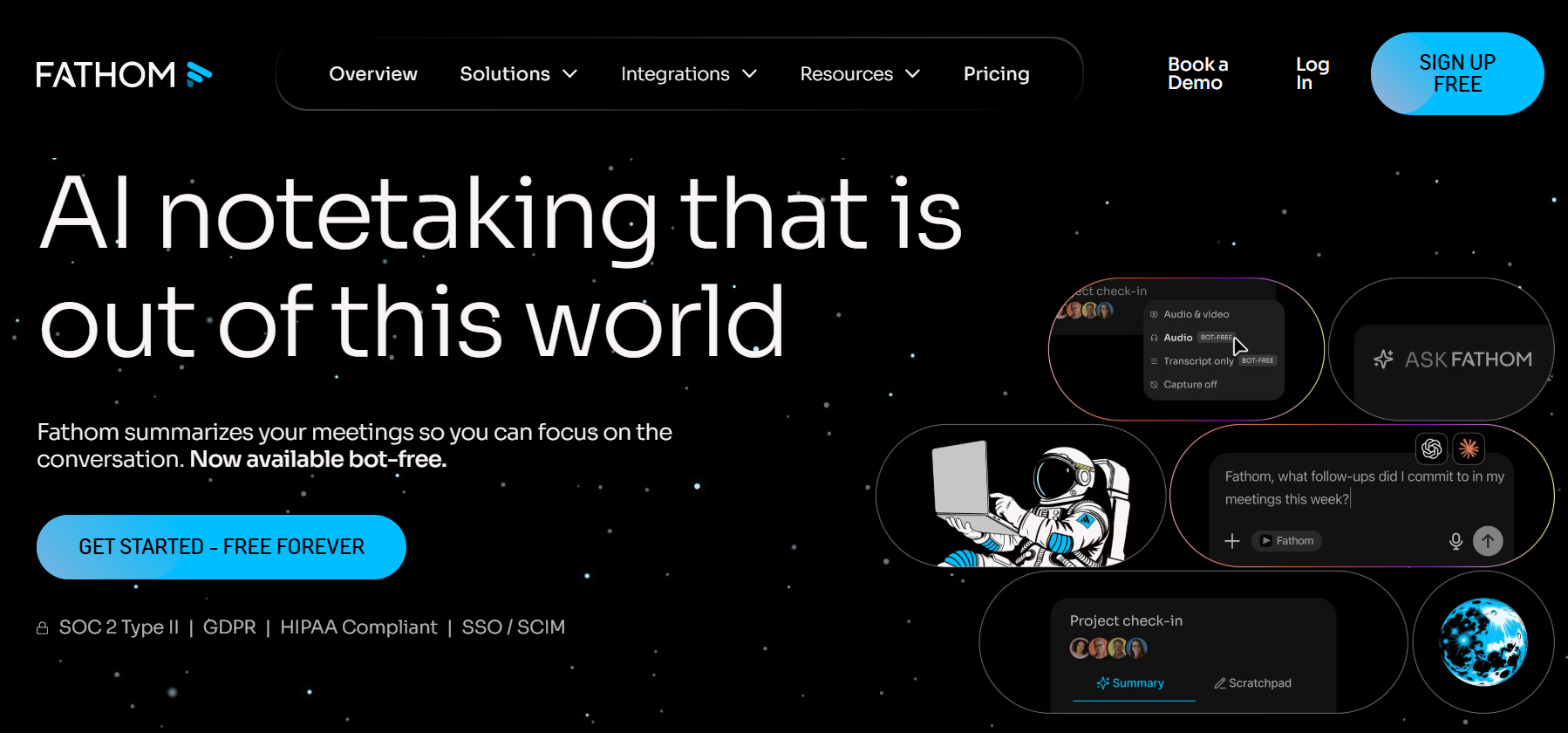
Best for: Individuals and teams that want reliable meeting recording and summaries without a big software bill.
Pros
- Strong free plan
- Unlimited recordings on free
- Simple to use
- Good summaries
- Large review base
Cons
- A meeting bot joins calls
- Advanced team functionality requires paid plans
- Less deep than enterprise revenue intelligence tools
- Transcriptions can still need checking
Pricing
- Free: $0
- Premium: around $16/user/month
- Team: around $15/user/month
- Business: around $25/user/month
G2 rating
5.0/5 with more than 6,000 reviews at the time checked.
Our take
For normal recording, notes and follow-ups, Fathom covers a lot before you need anything more expensive.
Proshort
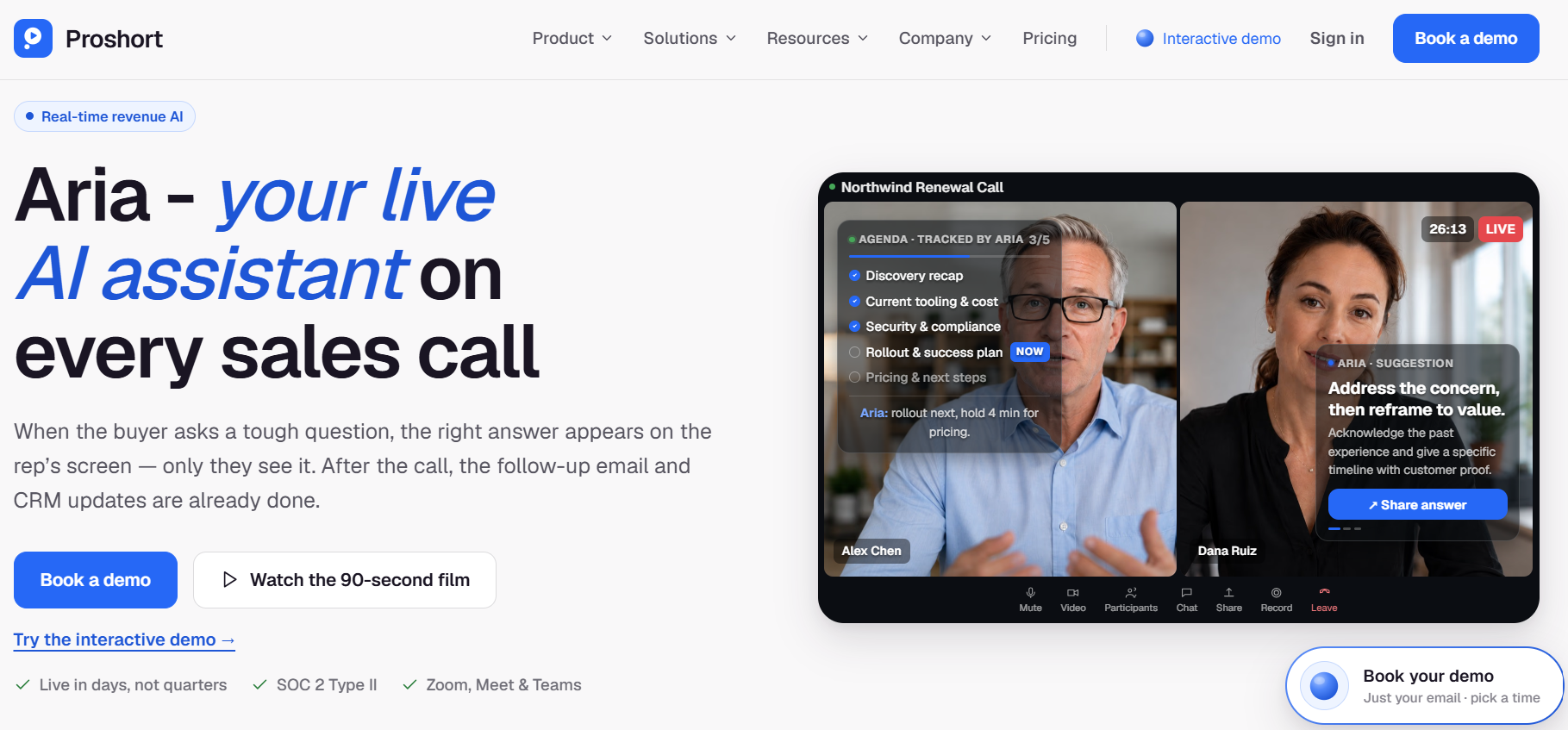
Best for: Sales teams that want meeting intelligence tied to coaching and deal execution.
Pros
- Meeting recording and summaries
- CRM automation
- Deal and coaching agents
- Sales playbook support
- More sales-specific than a basic note taker
Cons
- Considerably more expensive than basic recorders
- Smaller review base
- Some users report limitations around recording and integrations
- May be unnecessary if you only need transcripts
Pricing
Proshort publishes:
- Professional: $75/user/month
- Enterprise: custom
G2 rating
4.6/5 from 62 reviews.
Our take
This is not really a Fathom replacement if all you want is notes.
It is aimed more at revenue teams that want to use conversation data to coach reps and move deals.
Grain
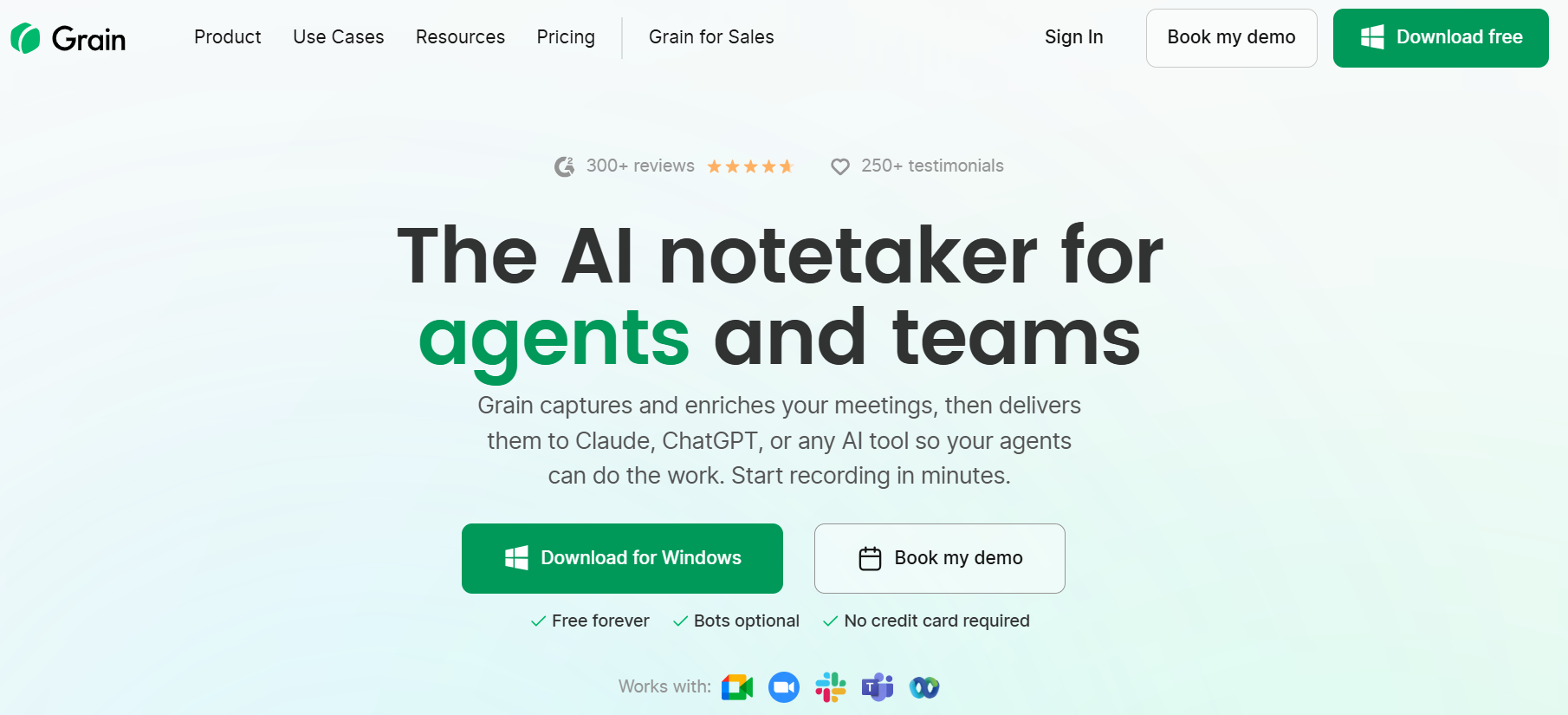
Best for: Teams that want recordings, clips and shared customer conversation libraries.
Pros
- Easy sharing and clips
- Useful collaborative workspace
- Meeting notes and transcripts
- Good fit for sales, product and research
- Free plan available
Cons
- Some of the deeper features require paid plans
- Less sales-operations depth than enterprise CI systems
- Can overlap with a recorder already bundled into another platform
Pricing
G2 lists:
- Free
- Starter: $15/seat/month
Higher plans vary by requirements.
G2 rating
4.6/5.
Clari Copilot (Salesloft)
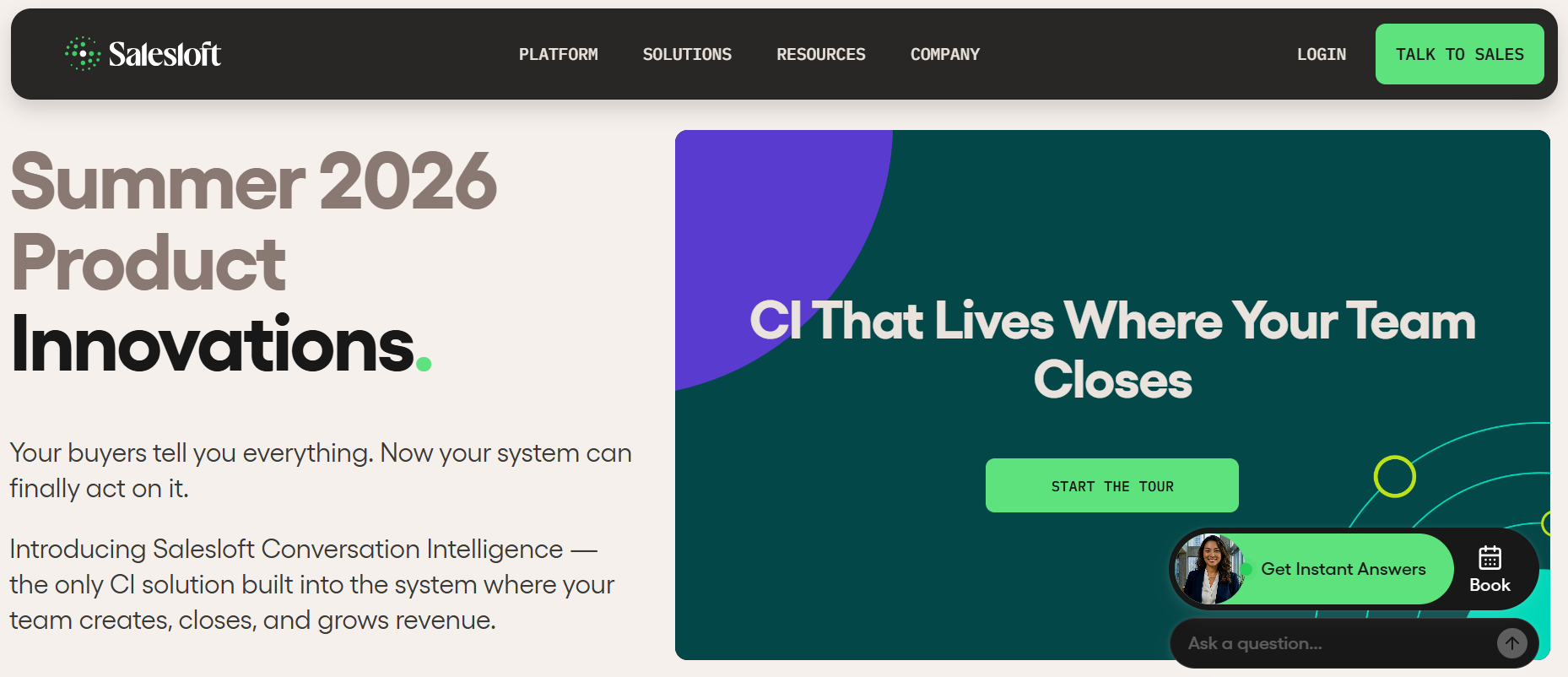
Best for: Larger revenue teams already using Clari and wanting conversation intelligence connected to forecasting and pipeline management.
Pros
- Sales-specific conversation intelligence
- Real-time coaching and battlecards
- Connects call data to deals
- Strong fit inside the wider Clari stack
Cons
- Enterprise-oriented
- No simple public pricing
- Too heavy for teams that only need call recording
- Can overlap with other Clari/Salesloft modules
Pricing
Custom. Public market estimates put Clari Copilot in the enterprise price bracket rather than lightweight meeting-recorder pricing.
7. Best email infrastructure for cold outreach
This category gets ignored surprisingly often.
Your sending platform and your email infrastructure are not the same thing.
Instantly or Smartlead sends the campaign.
Tools like Inframail and InboxKit help provision and manage the actual mailboxes underneath it.
Inframail
Best for: Teams running a lot of cold-email mailboxes.
Pros
- Built specifically for cold outreach infrastructure
- Automated mailbox setup
- Works with popular sending tools
- Flat-rate model can make sense at higher volume
- Reduces manual DNS/mailbox work
Cons
- Another infrastructure vendor to manage
- Not an outreach sequencer
- Deliverability still depends on behaviour, domains and targeting
- Smaller review footprint than large SaaS products
Pricing
Inframail currently advertises flat-rate infrastructure around $129/month for its core scale use case. Older materials reference $99 plans, so use the current live checkout figure before publishing.
InboxKit
Best for: Outbound teams that want Google Workspace/Microsoft mailbox provisioning and DNS setup handled for them.
Pros
- Automated mailbox provisioning
- DNS configuration
- Supports major sequencers
- Competitive per-mailbox pricing
- Centralised infrastructure management
Cons
- Pricing changes depending on mailbox volume
- Warm-up can be a separate cost
- Infrastructure reliability matters a lot here
- Some recent reviewers have reported operational issues, so test before a large rollout
Pricing
G2 currently lists mailbox pricing from roughly $3/mailbox/month, with separate Azure options. Other current plans package mailbox slots by tier.
G2 rating
4.8/5 on the current G2 pricing listing, though the review base is much smaller than large software platforms.
Our take
Do a small infrastructure test first.
Mailbox infrastructure is one place where moving 500 accounts before checking reliability can become painful very quickly.
If you want a clearer picture of how these pieces come together in practice, our guide to building a B2B lead
generation and appointment setting motion breaks down the full process
8. Best sales automation tools: n8n vs Make vs Zapier vs Pabbly
This is the layer that connects everything else.
Typical jobs include:
- new lead → CRM
- CRM → enrichment
- form submission → routing
- meeting notes → CRM
- prospect reply → Slack
- lead status change → next workflow
- campaign result → reporting
n8n
Best for: Technical RevOps and GTM teams that want a lot of control.
Pros
- Very flexible
- Self-hosting available
- Good API support
- Handles complex branching
- Strong fit for AI/API-heavy workflows
- Pricing based on workflow executions rather than every individual step
Cons
- Higher learning curve
- Self-hosting means you own the infrastructure
- Less friendly for completely non-technical users
- Complex workflows still need maintenance
Pricing
Cloud pricing starts around:
- Starter: €20/month
- Pro: €50/month
- Enterprise: custom
A self-hosted Community option is also available.
G2 rating
Around 4.7/5.
Our take
For serious GTM automation, n8n is one of the first tools we would evaluate.
Especially when the workflow is likely to get more complicated later.
Make
Best for: Teams that want visual automation with more flexibility than basic Zapier workflows.
Pros
- Visual workflow builder
- Good for multi-step processes
- Affordable entry pricing
- Strong branching and transformation capability
- Large integration library
Cons
- Credit/operation usage takes some learning
- Big scenarios become harder to maintain
- Costs increase with execution volume
- Still more technical than simple Zapier automations
Pricing
At 10,000 credits/month on annual billing:
- Free: $0
- Core: about $9/month
- Pro: about $16
- Teams: about $29
- Enterprise: custom
G2 rating
A current G2 score should be checked immediately before publication; public review aggregators currently place Make very highly.
Our take
A good middle ground between very simple no-code automation and something more technical like n8n.
Zapier
Best for: Teams that want to connect common business apps quickly.
Pros
- Huge integration library
- Very easy to start
- Good documentation
- Reliable for simple business workflows
- Non-technical teams can own it
Cons
- Task costs rise with volume
- Complex workflows get expensive
- Advanced logic can become awkward
- Large automations are often cheaper elsewhere
Pricing
G2 currently lists:
- Free: $0
- Starter: $19.99
- Professional: $49
- Team: $69
- Enterprise: custom
G2 rating
4.5/5.
Our take
Zapier is still one of the quickest ways to automate a straightforward workflow.
The point where we normally start comparing Make or n8n is when the workflow becomes large, expensive or logic-heavy.
Pabbly Connect
Best for: Teams looking for lower-cost workflow automation.
Pros
- Affordable
- Free plan
- Large integration library
- Multi-step workflows
- Internal operations are not always charged the same way as competitors
Cons
- UI and debugging are less polished than some alternatives
- Smaller developer ecosystem
- More complex automations can take longer to troubleshoot
- Documentation/support experience can vary
Pricing
Current public monthly plans are roughly:
- Free: $0
- Standard: $16/month
- Pro: around $31–$33
- Ultimate: around $63–$67
G2 rating
A current G2 score was not reliably surfaced in the source set, so I would verify that live before publication.
How do you measure ROI on a GTM tool?
Software ROI does not always need to mean direct Closed-Won revenue.
Look at what the tool was bought to improve.
For a data tool:
- better match rate
- more verified contacts
- less research time
- fewer bounced emails
For an outreach tool:
- rep productivity
- usable conversations
- campaign management time
- deliverability
For a CRM:
- adoption
- data completeness
- pipeline visibility
- reporting accuracy
- handoff quality
For automation:
- manual work removed
- errors reduced
- response time
- hours saved
For meeting intelligence:
- CRM updates
- follow-up speed
- coaching
- deal visibility
The useful question is simple:
What changed after we bought it?
If nobody can answer that after six months, review the subscription.
Where GTM teams waste money on tools?
We see a few patterns repeatedly.
Paying for the same data several times
You have ZoomInfo, Clay, Apollo and another enrichment provider.
Then nobody knows which data should be trusted.
Running two tools that do almost the same thing
Two sequencers.
Two meeting recorders.
Two automation tools.
This sometimes happens after a trial quietly becomes a permanent subscription.
Buying an automation tool before the process is clear
Automating a bad handoff just makes the bad handoff happen faster.
Buying intent data without an action plan
If nobody knows what should happen when an account surges, the signal is just another dashboard.
Paying for AI personalization that changes the wording, not the relevance
The email sounds different.
The reason for contacting the buyer is still weak.
Keeping software because “we already implemented it”
Tools should still earn their place after implementation.
The important thing to get right
A good GTM stack should make selling easier.
It should help reps find the right account, get context quickly, reach the buyer, carry that context into the CRM, and know what to do next.
If reps still need six tabs and ten minutes to understand one account, the stack needs work.
The goal for 2026 is not more software.
It is fewer gaps between the software you already use.
At Leadle, we help B2B teams build and improve their GTM based on where they are today.
For some teams, that means setting up outbound from scratch. For others, it means fixing the CRM, tightening RevOps, improving pipeline visibility, or connecting the tools they already use.
If you want to talk through your current setup, get in touch with us for a free tech stack audit.
You can also see the teams we’ve worked with and how we’ve supported different GTM motions.
FAQs
What are the best GTM tools in 2026?
Common options include ZoomInfo and Clay for data, Instantly and Smartlead for email, HeyReach and Aimfox for LinkedIn, HubSpot and Pipedrive for CRM, CloudTalk for calling, Fathom for meeting recording, and n8n, Make or Zapier for automation.
What GTM tools does an outbound sales team need?
Most outbound teams need a contact/data source, email sequencer, CRM and meeting system. LinkedIn automation, calling, enrichment and workflow automation can then be added depending on the sales motion.
What is the best GTM tool for data enrichment?
Clay, Bitscale, Floqer and Databar all support multi-source enrichment. The better option depends on volume, workflow complexity, data providers required and how technical the person managing the setup is.
What is the best cold email software in 2026?
Instantly and Smartlead are commonly used for higher-volume cold email. Saleshandy is a lighter option, while Lemlist and Klenty are worth considering when the team wants a broader multichannel sales-engagement platform.
HubSpot vs Pipedrive vs Zoho: which CRM should you choose?
HubSpot is useful when sales, marketing and RevOps need to work from the same platform. Pipedrive is simpler and very sales-focused. Zoho offers a lot of functionality at a lower entry price but generally requires more setup.
What is the best GTM automation tool?
Zapier is easy to start with. Make gives more visual control. n8n is better suited to complex and API-heavy workflows. Pabbly is worth considering when cost is a bigger constraint.